
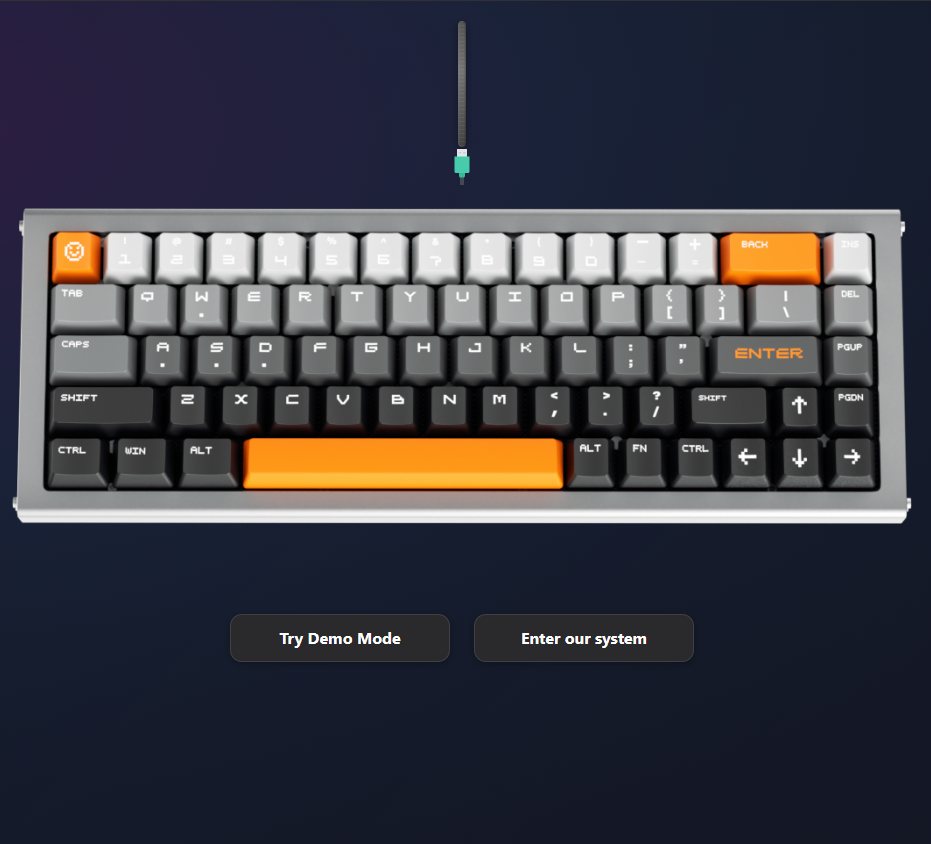
Driver — The Core of a Gaming Keyboard
Whether it’s web-based or app-based, a keyboard driver has become a must-have for high-end keyboards. But why is that the case?

Lighting Effects and Personalization
This is probably where most users stop first, as it represents the most visible level of keyboard customization. We’re talking full RGB control, input indicators, and even the abyss lighting effect on the UQ68 keyboard.
How do you know it’s your keyboard? The lights can be seen from miles away.

Actuation Rate — For You, For Others
Everyone types differently, and that’s where adjustable actuation truly shines. Uniqmag keyboards offer actuation as low as 0.005 mm, meaning even the slightest touch can trigger an input.
Prefer a deeper press? No problem. The switches support actuation points up to 3.5 mm. Just head to the UQ driver’s actuation settings page and adjust it to your preference.

Remapping — Where Performance Gets Real
This is the most powerful and often overlooked part of the UQ driver. It features Uniqmag’s most advanced input technologies, including SOCD, Rubber Banding, and DKS for racing game players who want precise throttle control.
Macros are also available, but we recommend using them for casual or entertainment purposes only, not in competitive or tournament settings.
These are just a few of the “icebergs” we’ve explored so far. There’s more to come, and we welcome anyone interested to give it a try.
Share:
Esports and Uniqmag
Uniqlev VS Inductive, a comparison